
Aurora
Drifting colour glow behind a glass card
16 animated GoHighLevel login designs, with the two-factor and password reset screens to match. Your color, your logo, your welcome line. One CSS line to install.
Pick a design, try it in safety orange, storm indigo or copper, then switch to the two-factor and password reset screens. Replay restarts the animation.
Setting up the live preview…
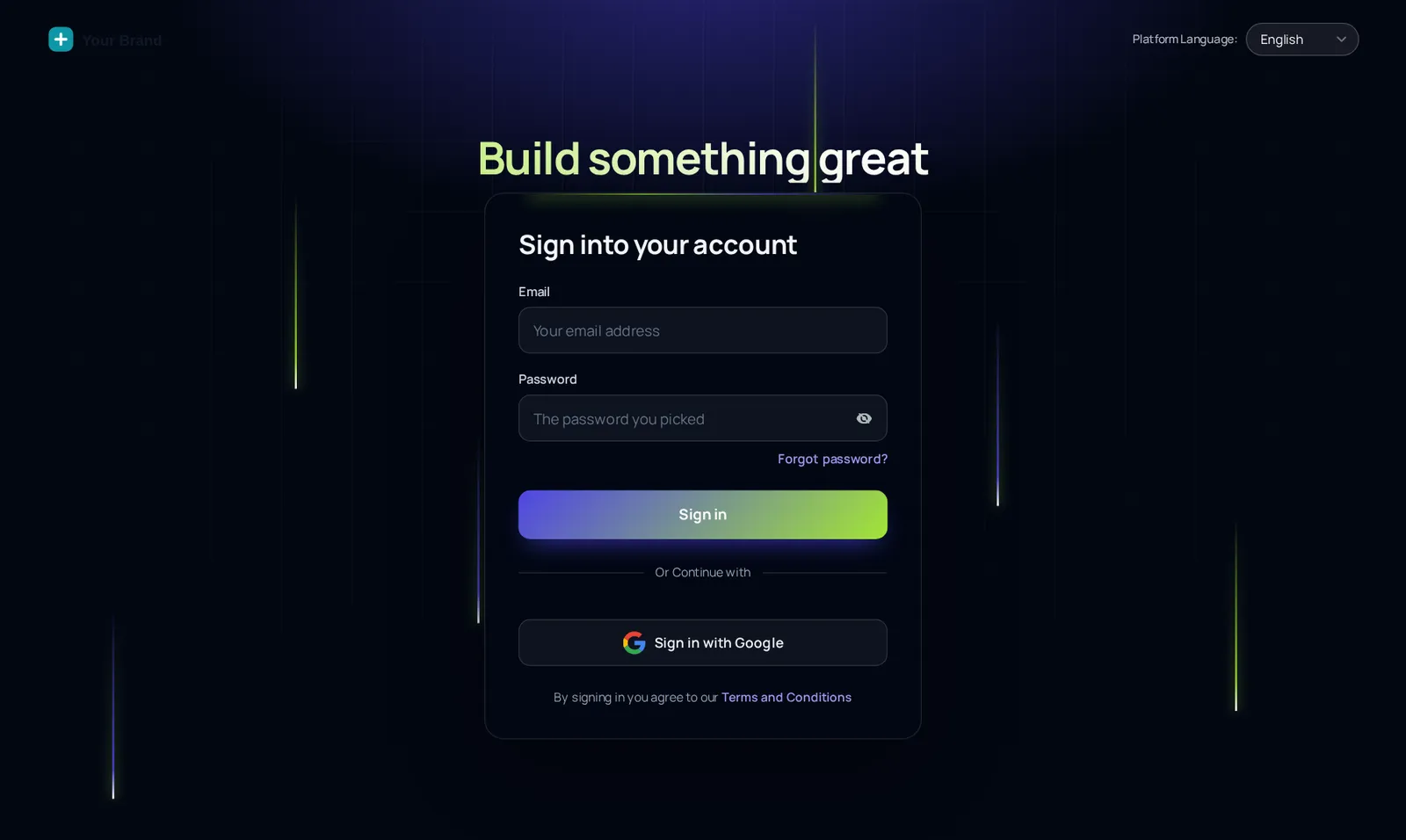
Light beams: the same CSS that ships to GoHighLevel, applied to a copy of the real login markup. Switch screens to see the two-factor code and password reset.
Short answerA custom GHL login page replaces GoHighLevel’s plain sign-in with a branded, animated design on your white-label domain. In the GHL Customizer you pick one of 16 designs and add one CSS line to GoHighLevel; sign-in, two-factor and reset screens all match.
It is the one screen every person on your account sees, every day, before anything else: canvassers at 6 AM, office staff, sub-account clients. A branded login tells them this is your system, not a generic tool, and for agencies it is the most visible part of a white label theme.
Pair it with a matching theme and the experience carries on after sign-in: same color, same logo, same feel.
Drifting colour glow behind a glass card
Photo panel with your message or quotes, sign-in on the right
Full-screen slow-zoom photo, frosted card and rotating quotes
Sign-in on the left, big photo and quotes on the right
Twinkling night sky, moon glow and rotating quotes
Moving retro grid and a spinning glow border
Dark page with a slowly turning colour ring behind the card
Soft colour blobs morphing behind a white glass card
Light page with rolling waves and a floating card
Clean white, soft spotlight and a moving accent bar
Full-screen mountain photo, crystal glass card, drifting light
Sign-in on the left, two photo columns gliding on the right
Warm sky, a rising sun and rolling layered hills
Deep space rings with planets circling the card
Dark grid with falling light beams and a top spotlight
Pearl page, iridescent glow and a shimmering foil border
Login designs come with all themes, UI kits and dark mode in every package.
Get Shingle, $197Choose from 16 animated designs. The preview shows the sign-in, two-factor and password reset screens.
Set the brand color and logo; adjust the headline so the screen greets your crew in your words.
The login page loads before anyone is signed in, so it needs one CSS line in GoHighLevel’s white label settings, next to the JS line. Paste it once.
Open your white-label login URL in a private window. Later design changes show up there without touching the line again.
With a GHL Customizer account you pick one of 16 animated login designs, set your color and logo, and paste one CSS line into GoHighLevel’s white label settings. The design then shows on your white-label login URL.
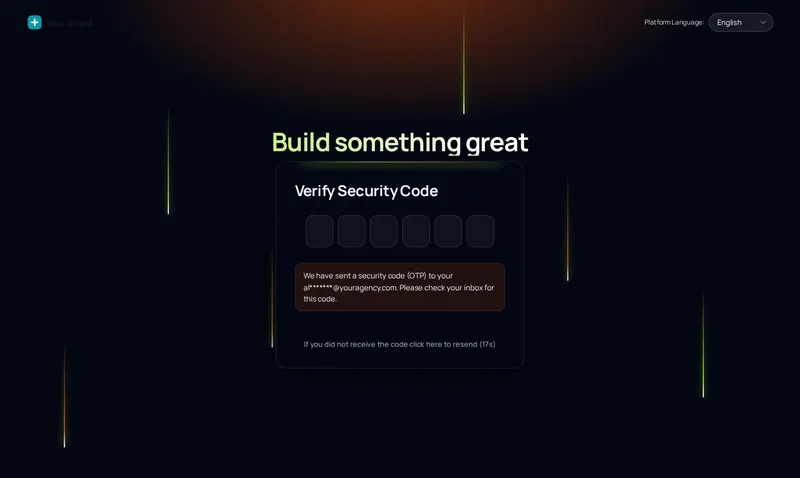
The sign-in screen, the two-factor code screen and the password reset screen. All three are in the live preview on this page, so you can check each one before publishing.
16: 8 dark and 8 light, all animated. Our default for roofers is Light beams: dark grid with falling light beams and a top spotlight.
The custom login shows on the login page GoHighLevel serves for your agency, normally your white-label domain such as app.yourroofingco.com. If you have not set one up, do that in GoHighLevel first.
Every package: Shingle, Storm Ready and Full Replacement. Shingle at $197 one-time includes all 16.
No. The animations are CSS on top of the normal login form. The form appears and works immediately; the motion runs behind it.
The designs are decorative backgrounds; the form itself does not move. If you want a calm screen, pick one of the quieter designs in the preview.
Yes. Pick a new design and publish. Because the CSS line loads your current design, there is nothing to re-paste.
Every module of the GHL Theme Design account has its own live preview. Compare what each layer includes on the pricing page.
Manage how we use cookies. Necessary cookies keep the site working and can't be turned off.
Saved on this device. Press Esc to close.